

Slack Presence vs Microsoft Teams Presence: How They Differ
Compare how Slack and Microsoft Teams handle presence status. Learn the key differences in timeout behavior, manual controls, and what each green dot actually means.
Compare how Slack and Microsoft Teams handle presence status. Learn the key differences in timeout behavior, manual controls, and what each green dot actually means.
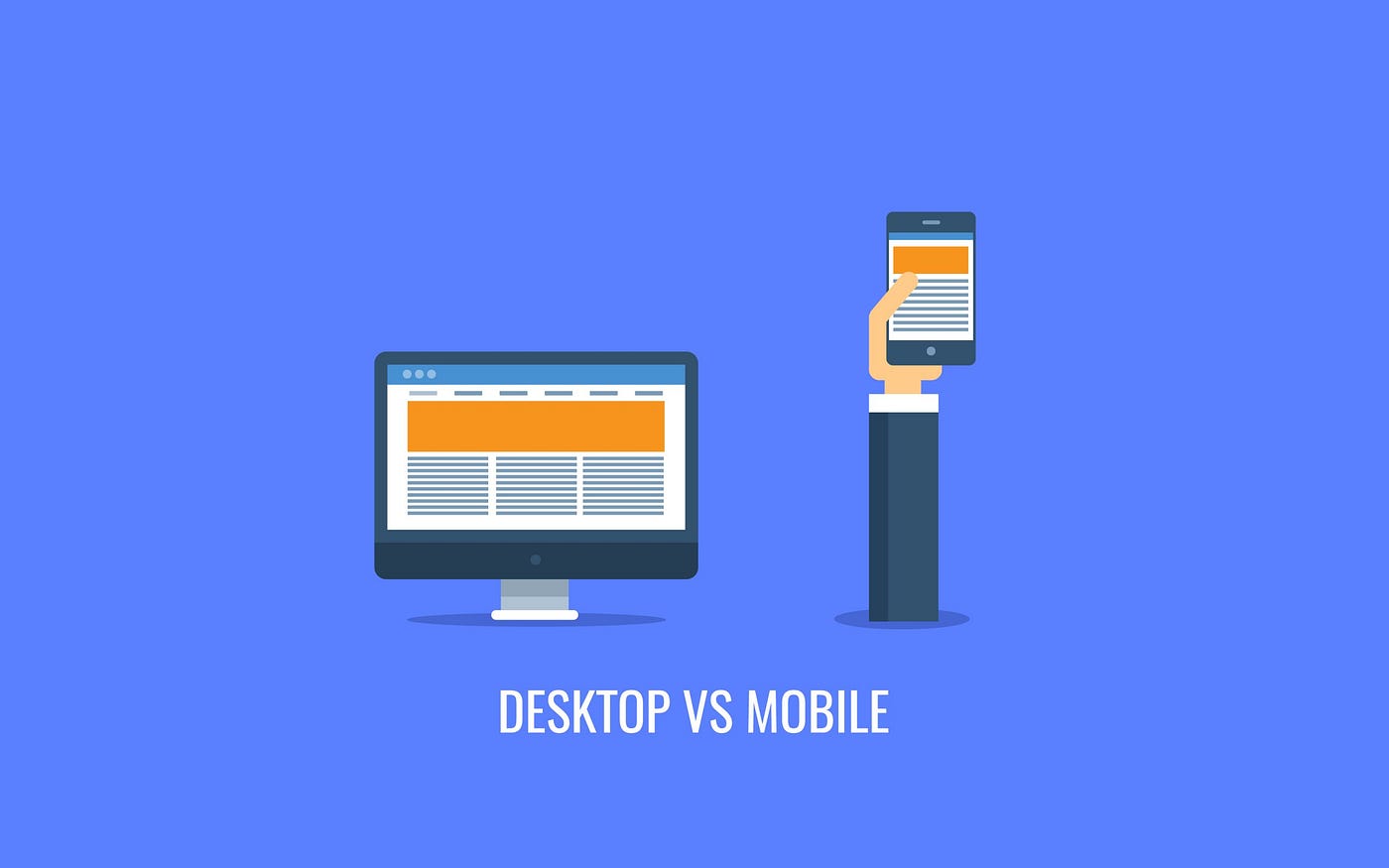
Slack presence works differently on mobile vs desktop. Learn why mobile goes away faster, how multi-device presence works, and what to do about it.

Slack auto-away timer kicks in after inactivity or disconnects. Learn how long until you go away and how to reduce false flips.

Set clear Slack availability norms with working hours, status context, and schedule-based presence when auto-away misleads.

What does Slack presence actually mean? Learn active vs away, status vs DND, what managers can usually see, and how to set clearer expectations.

Working from home and worried about going gray? Learn how to stay active on Slack with clear expectations, focus blocks, and safe alternatives to hacks.