
 Slack
Slack  Microsoft Teams
Connect your selected platform once from a desktop browser.
1. Connect Slack or Microsoft Teams
Choose the platform you use and connect your account once from a desktop browser.
Set your work hours once. Idle Pilot keeps your selected platform available from the cloud—even when your laptop is closed, asleep, or off.
3-day free trial · No credit card
7 days if you connect on desktop within 3 hours of sign-up
Next: create your account, then connect Slack or Teams on desktop.
Three steps. About two minutes on desktop.
Choose the platform you use and connect your account once from a desktop browser.
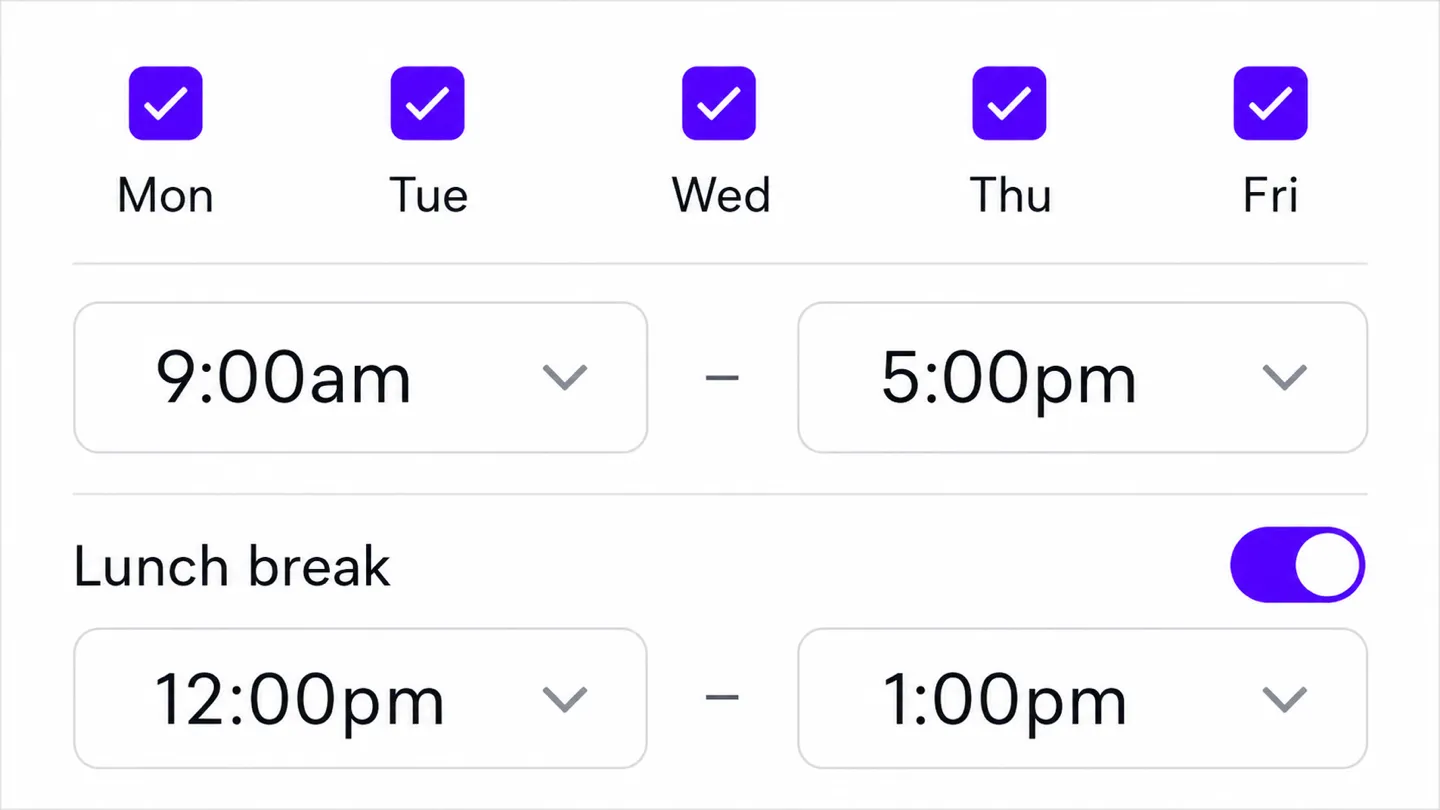
Choose the days and hours you want to appear available. Add different hours, lunch breaks, or Vacation Mode.
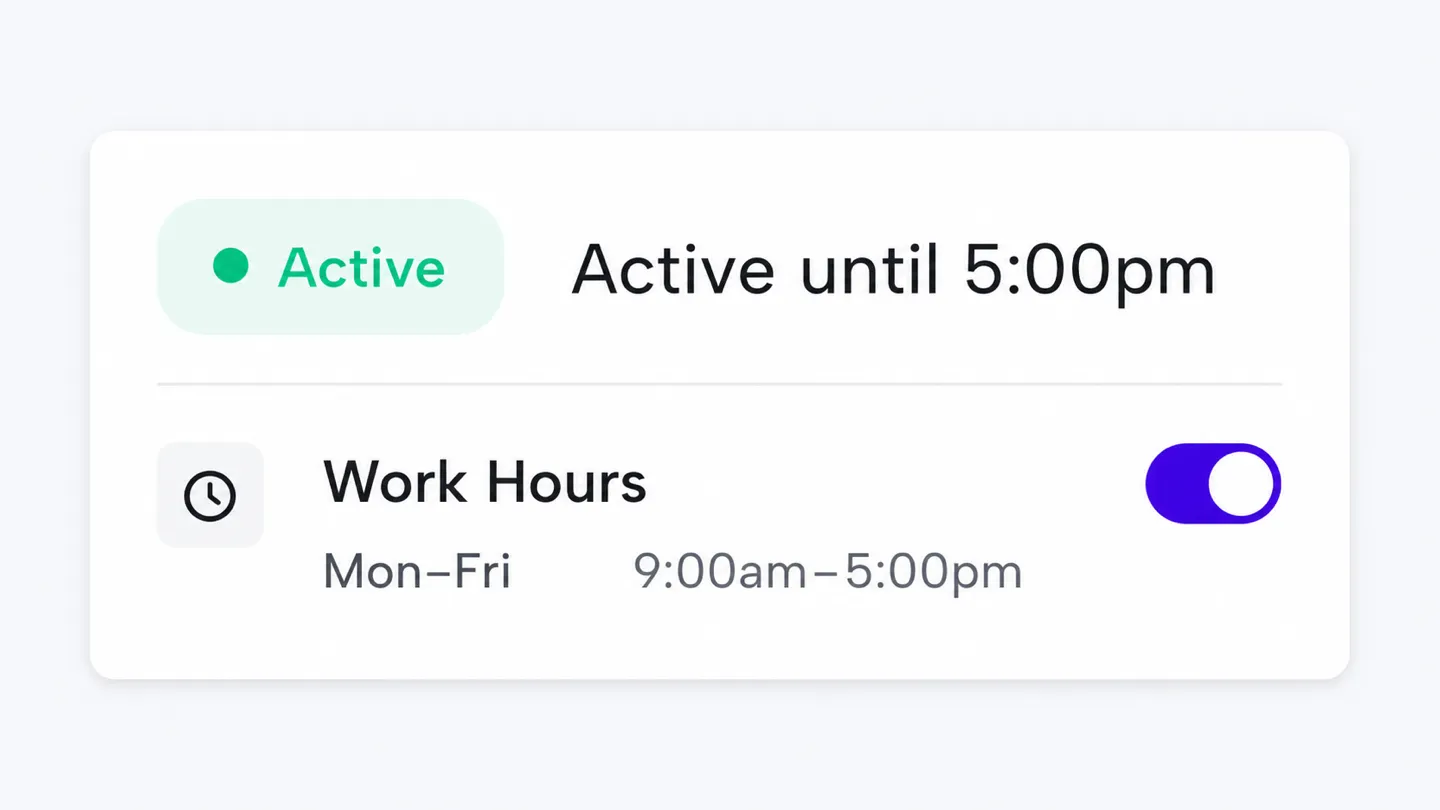
Idle Pilot keeps your selected platform available from the cloud during your schedule—even when your laptop is closed or offline.
Change your hours or pause the schedule anytime.
Start my free trial3-day free trial · No credit card
See full setup guideRuns on our servers, not your laptop. Close it, sleep it, take it offline. Doesn't matter.
Different hours Monday vs Friday? Lunch break carved out? Set it once.
Pause your schedule automatically when your selected platform status says you are away.
Cancel anytime. Goes dark immediately.
Yes. Once connected, Idle Pilot runs from the cloud. Your laptop can be closed, asleep, offline, or off during your configured Work Hours.
Yes. Freedom Pass supports either Slack or Microsoft Teams, one connected platform at a time. The schedule and included features are the same for either platform.
Use desktop Chrome and the Idle Pilot setup extension to link Slack or Microsoft Teams. After linking, you can remove the extension and manage your schedule from another browser.
Idle Pilot stores your account basics and the settings needed to run your schedule, including Work Hours, Lunch Break, timezone, and Vacation Mode.
Yes. The free trial lasts 3 days, or 7 days if you connect Slack or Teams within 3 hours of sign-up. It does not require a credit card, and it starts when you connect. See pricing for the plan after the trial.
Yes. Update Work Hours, per-day schedules, Lunch Break, timezone, or Vacation Mode whenever your routine changes.
Yes. Pause Idle Pilot or cancel whenever you want. When it turns off, your presence returns to the connected platform's normal behavior.
Everything you need to put Slack or Microsoft Teams availability on your schedule.
Everything included
Availability on your schedule for Slack or Microsoft Teams.
Billed monthly. Cancel anytime.
Billed annually — $60/year
3-day free trial · No credit card
7 days if you connect on desktop within 3 hours of sign-up
Idle Pilot maintains Slack or Microsoft Teams availability from the cloud during saved Work Hours.

— r/remotework
Your availability follows your schedule, not your keyboard.