· 3 min read
Best Mouse Jiggler Alternatives for 2026: Safer Ways to Stay Active
Looking beyond mouse jigglers? Compare cloud schedulers, keep-awake apps, browser extensions, and scripts. Find the right tool for your situation without IT risks.
Quick Answer: The safest mouse jiggler alternative is cloud-based presence scheduling. It works when your laptop is closed, requires no local installation, and doesn’t trigger IT security alerts like hardware or software jigglers can.
For cloud-based Slack presence, see Idle Pilot or start free.
Best Mouse Jiggler Alternatives for 2026
Mouse jigglers keep your computer awake, but they have limitations: IT detection, battery drain, and they don’t work when your laptop is closed. Here are better alternatives ranked by reliability and safety.
1. Cloud-Based Presence Schedulers
Best for: Reliable, worry-free presence
Cloud schedulers like Idle Pilot maintain your Slack status from external servers. They work when your laptop sleeps, don’t install anything locally, and can’t be detected as suspicious software.
Pros:
- Works with laptop closed or off
- Schedule-aware (work hours, lunch breaks)
- No IT detection risk
- Cross-platform
Cons:
- Monthly subscription
- Requires Slack authorization
2. Keep-Awake Apps (Amphetamine, Caffeine)
Best for: Preventing system sleep during specific tasks
Apps like Amphetamine (Mac) or Caffeine (Windows) prevent your computer from sleeping. They’re useful for downloads or presentations but don’t directly control Slack presence.
Pros:
- Free
- Simple to use
- Useful for non-Slack purposes
Cons:
- Doesn’t work with laptop closed
- Drains battery
- Doesn’t prevent Slack’s own idle timeout
3. Browser Extensions
Best for: Budget-conscious users who keep browser open
Extensions try to keep your Slack tab active. They’re free but unreliable since they stop working when the browser closes or the laptop sleeps.
Pros:
- Free
- No installation beyond extension
Cons:
- Requires browser to stay open
- Doesn’t work when laptop sleeps
- Inconsistent reliability
4. Software Mouse Movers (Move Mouse)
Best for: Windows users who need local activity simulation
Software like Move Mouse simulates cursor movement. Better than hardware jigglers since they’re free, but they can be detected by endpoint security.
Pros:
- Free
- Customizable patterns and schedules
Cons:
- Can trigger security alerts
- Only works when PC is awake
- Windows only (mostly)
5. AutoHotkey / AppleScript
Best for: Technical users who want custom solutions
Scripts can simulate activity, but they require technical knowledge and may be flagged by antivirus software.
Pros:
- Free
- Fully customizable
Cons:
- Requires scripting skills
- Often flagged by security software
- Only works when computer is awake
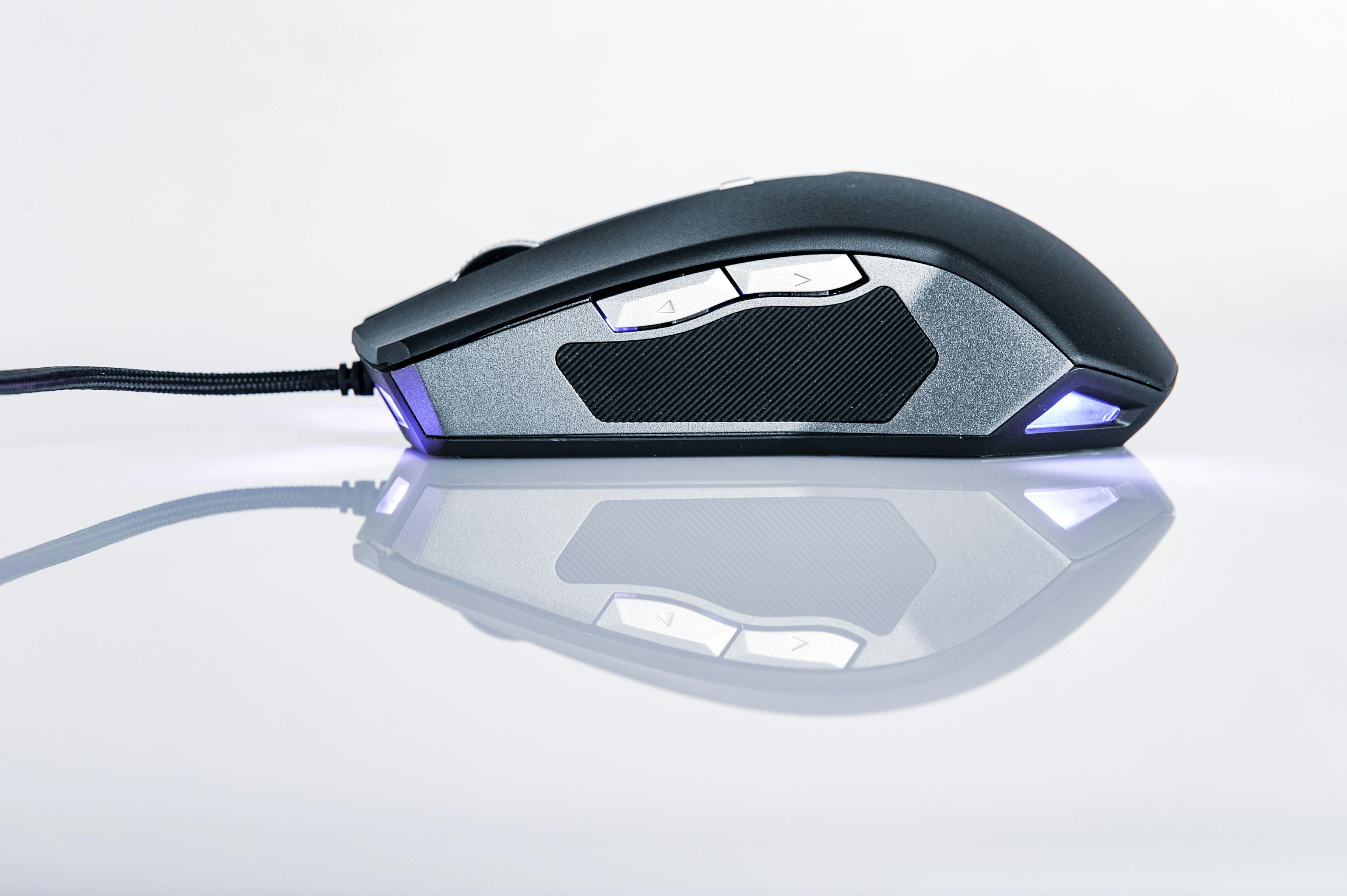
6. Hardware Mouse Jigglers (USB)
Best for: Quick offline solution where IT isn’t monitoring
USB jigglers are simple but risky. They show up in device logs and can be policy violations.
Pros:
- No software needed
- Works offline
Cons:
- Detectable by IT (USB logs)
- Doesn’t work with laptop closed
- Potential policy violation
Comparison Table
| Solution | Works Laptop Closed | IT Detection Risk | Cost |
|---|---|---|---|
| Cloud Scheduler | Yes | Low | $4/mo |
| Keep-Awake App | No | Low | Free |
| Browser Extension | No | Low | Free |
| Software Mover | No | Medium | Free |
| Scripts | No | High | Free |
| USB Jiggler | No | High | $10-30 |
FAQ
What is the safest mouse jiggler alternative?
Cloud-based presence schedulers are the safest option. They don’t install anything on your device, can’t be detected as suspicious hardware, and work even when your computer is off.
Can IT detect mouse jigglers?
Yes. USB mouse jigglers appear as HID devices in system logs. Software jigglers run as processes that endpoint security can identify. Cloud-based solutions appear as normal Slack web sessions.
Which alternative works when my laptop is closed?
Only cloud-based presence schedulers work when your laptop is closed or off. All local solutions (apps, scripts, USB devices) require your computer to be running.
For more on specific comparisons, see our guides on mouse jigglers and keep-awake apps.
Related resources
- Mouse Jiggler Alternatives Hub — Comprehensive comparison of all alternatives
- What is a Mouse Jiggler? — How jigglers work and why IT detects them
- For Remote Workers — Presence scheduling for remote teams
- For Consultants — Managing presence across multiple client workspaces
- Keep Slack Active When Screen Locks — Platform-specific guide
- mouse jiggler
- slack
- remote work
- productivity