
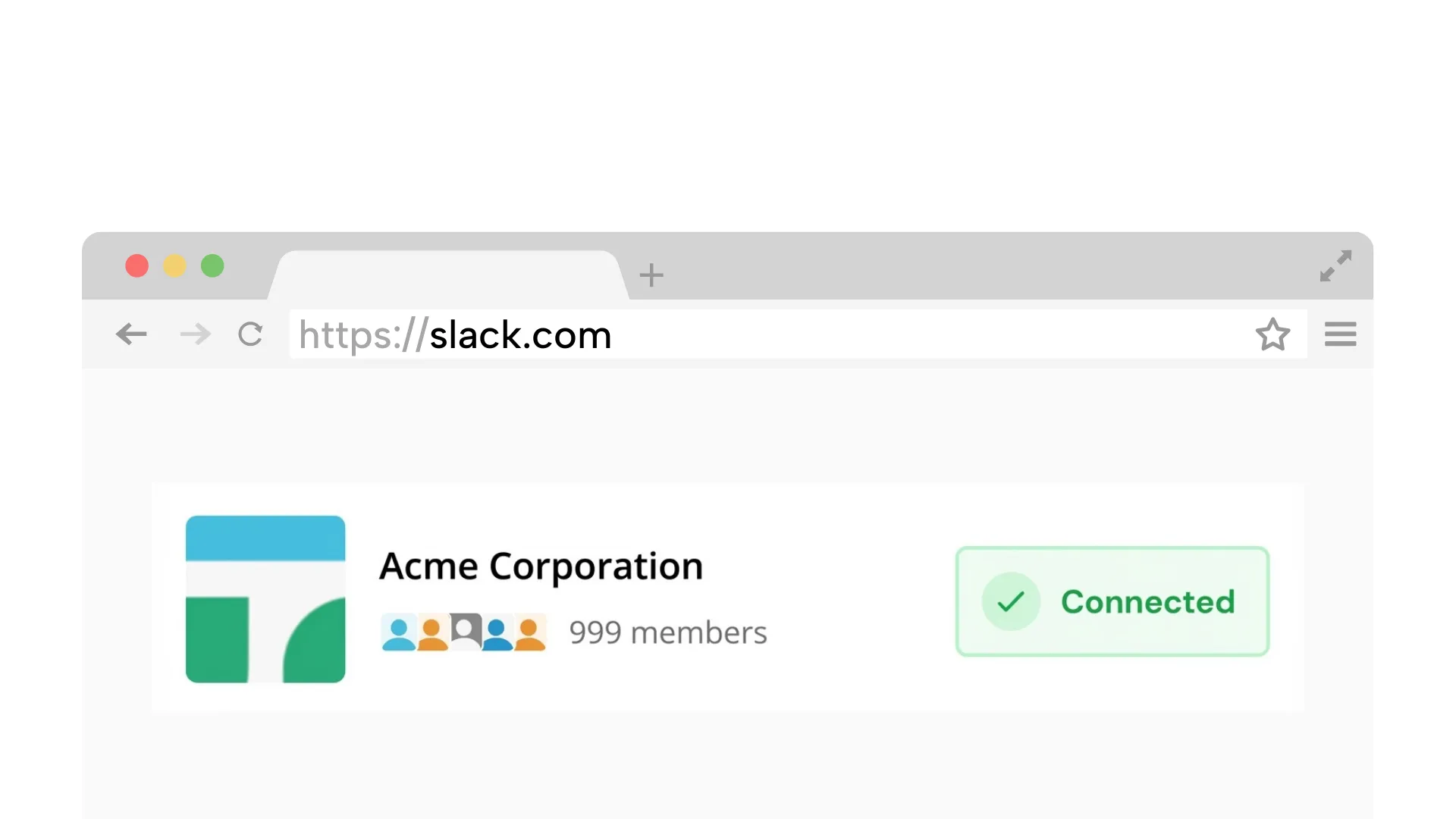
Requires a desktop browser to connect Slack once.
1. Connect your Slack workspace
Securely link your workspace. We simulate a browser connection, so you do not need to install any apps or bots.
On Chrome? 1-click connection (optional)
Mouse jigglers can show up in IT logs and do not work when your laptop is closed. A cloud-based scheduler keeps your Slack green from our servers -- nothing on your device after setup.
No hardware | No admin approval | Presence only
7-day free trial. No card. Nothing installed on your computer. 14-day money-back guarantee.
Mouse jigglers became popular when remote work went mainstream. The premise is simple: a USB device or software program simulates mouse movement to prevent your computer from going idle. For Slack users, the logic was that keeping the computer awake would keep Slack active and the green dot visible. But this approach has significant limitations that many remote workers discover the hard way.
Most people looking for a mouse jiggler are not optimizing their desk setup. They are trying to stop Slack from tattling every time they step away, stop typing, close the laptop, or take a break they do not want announced by a gray dot.
The risk is not wanting Slack to stay green during your work window. The risk is plugging in a device, running a script, or installing software that endpoint tools can flag. Mouse jigglers fake input on your computer. Idle Pilot keeps presence active from the cloud during the hours you choose.
Hardware mouse jigglers show up as USB HID devices in system logs. IT departments monitoring endpoint security can detect them, and many organizations have explicit policies prohibiting devices that simulate user activity. Software jigglers face similar issues: endpoint detection and response (EDR) tools like CrowdStrike, SentinelOne, and Carbon Black flag processes that generate synthetic input events. What starts as a simple convenience can become an HR conversation.
Beyond the policy risk, mouse jigglers don't actually solve the Slack presence problem reliably. They keep your computer awake, but Slack's presence system requires interaction with the Slack application itself, not just general mouse movement. If Slack is minimized or in a background tab, a jiggler may keep your screen on while Slack still marks you away after its approximately 10-minute inactivity window. And if you close your laptop lid, even the best jiggler can't keep Slack connected because the entire system goes to sleep.
Alternatives to mouse jigglers fall into three categories, each with different trade-offs for people who need Slack to stay green while they are away from the keyboard.
Caffeine-style apps like Amphetamine (Mac) or Caffeine (Windows) prevent your computer from sleeping. They're lighter than mouse jigglers and don't simulate fake input, which makes them less likely to trigger security tools. However, they still require your laptop to be open and powered on, and they don't prevent Slack's own inactivity timeout from kicking in if you're not interacting with the Slack window.
Browser extensions attempt to keep Slack active by periodically interacting with the Slack web client. These can work when your browser is open and the Slack tab is loaded, but they break when your computer sleeps, when Chrome suspends the tab to save memory, or when a VPN disconnects. They also require your laptop to be continuously running.
Cloud-based presence schedulers like Idle Pilot take a fundamentally different approach. Instead of fighting your device's power management, they maintain your Slack presence from remote servers. You set your work hours and the scheduler keeps your status active during those times, regardless of whether your laptop is open, your WiFi is connected, or your screen is locked. This is the only category that works when your device is completely off.
| Feature | Mouse Jiggler | Caffeine App | Browser Extension | Cloud Scheduler |
|---|---|---|---|---|
| Works when laptop is closed | No | No | No | Yes |
| Works without WiFi | No | No | No | Yes |
| No hardware required | USB device | Yes | Yes | Yes |
| IT detection risk | High | Medium | Medium | Low |
| Schedule-aware | No | No | Some | Yes |
| Prevents Slack auto-away | Sometimes | No | Sometimes | Yes |
| No admin approval needed | Yes | Varies | Varies | Yes |
If you work in an environment with endpoint monitoring, a mouse jiggler is a risk that isn't worth taking. Similarly, if your work involves travel, commuting, or any scenario where your laptop isn't continuously open and connected, device-based solutions will always have gaps.
People who need to stay green while away benefit most from schedule-based presence. The common thread is simple: they need Slack presence to follow chosen hours, not laptop state, mouse movement, or whether they are sitting at the keyboard.
Slack's auto-away behavior is unlikely to change. It's been approximately 10 minutes for years, and Slack hasn't offered any way to adjust it. Rather than fighting this with increasingly complex device hacks, schedule-based presence works with the system by maintaining the connection Slack expects, just from a different location.
Last updated: April 2026
Policy-safe
Schedule-based presence keeps you active without device hacks
Avoid hardware or scripts that may violate IT policies.
Keeps your status active even if your laptop is closed.
Connect with your own account. No workspace bot required.
No message access. Just availability scheduling.
Choose a reliable option that stays policy-friendly
Hardware and scripts can trigger policy and security issues.
Breaks when the device sleeps or a tab suspends.
Works when devices are offline and stays aligned with work hours.
Unlike hardware jigglers that need your laptop running, here's how the cloud-based alternative works:
Takes about 2 minutes on desktop
Securely link your workspace. We simulate a browser connection, so you do not need to install any apps or bots.
On Chrome? 1-click connection (optional)
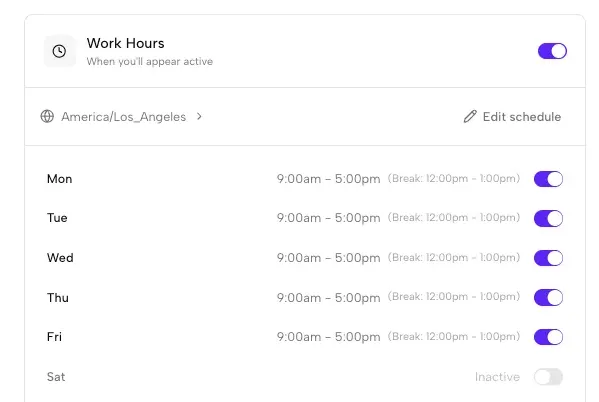
Set the days and hours you want to appear active. We handle time zones automatically.
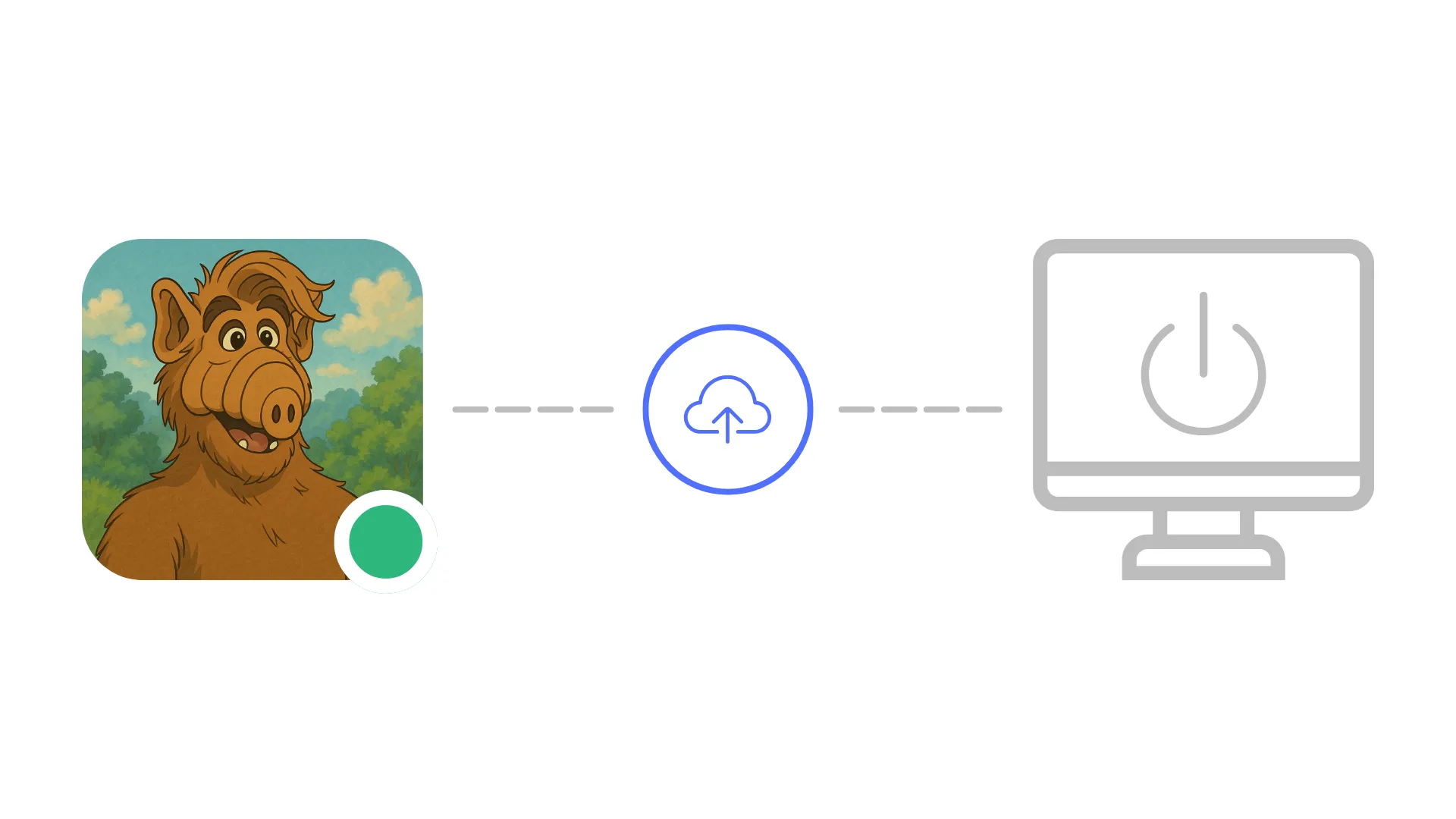
Idle Pilot keeps your status green during your schedule.
7-day free trial. No card. 14-day money-back guarantee.
Each guide links back here for scheduling
Schedule-based ways to keep your status green.
Read guideSecurity and policy risks to watch for.
Read guideCompare cloud scheduling with device hacks.
Read guideA full overview of schedule-based Slack presence.
Read guideQuick answers before you connect
Hardware jigglers register as USB HID devices in system logs and are easily flagged by endpoint detection tools like CrowdStrike or SentinelOne. Cloud-based alternatives like Idle Pilot run entirely outside your device, so there is nothing for local security software to detect or flag.
A schedule-based, cloud presence tool is the safest mouse jiggler alternative because it never touches your device. It maintains your Slack session from remote servers during your chosen work hours, avoiding the policy risks of hardware jigglers, software jigglers, and browser extensions.
Yes. Many workplaces actively monitor USB peripherals and endpoint activity. Security tools flag mouse jigglers because they generate synthetic input events. Software-based jigglers are similarly detected by EDR platforms that watch for unusual process behavior on managed devices.
Yes, if it is cloud-based. Idle Pilot runs from remote servers and keeps your Slack status active during scheduled work hours regardless of whether your laptop is open, your WiFi is connected, or your device is powered on.
No. Idle Pilot connects using your own Slack account with no workspace bot or admin install required. You set it up once from a desktop browser and the schedule runs automatically from the cloud.
Connect once, set your hours, and stay active without risky hardware. 7-day trial · No card · 14-day refund.
