
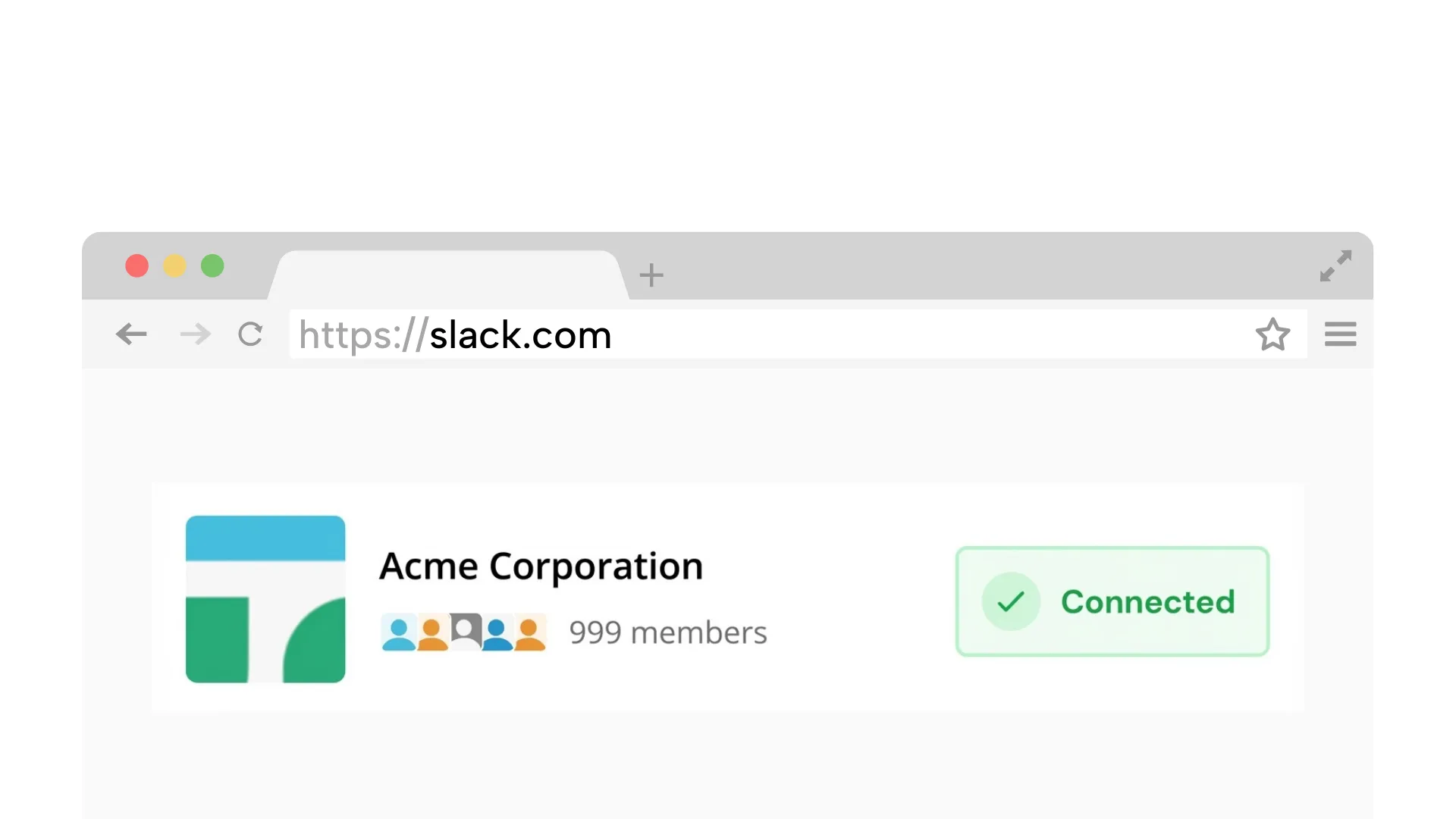
Requires a desktop browser to connect Slack once.
1. Connect your Slack workspace
Securely link your workspace. We simulate a browser connection, so you do not need to install any apps or bots.
On Chrome? 1-click connection (optional)
Set your work hours once. Idle Pilot keeps your Slack green dot active from the cloud, even when your laptop is closed, asleep, or off.
No admin approval | Presence only | No desktop app
7-day free trial. No card. Stay green during your scheduled hours.
Sometimes you are making lunch, taking a walk, lying down, running an errand, or just done performing work for a green dot. If Slack presence is being used like a time clock, the dot starts judging moments that are not real work.
Idle Pilot makes the dot follow your schedule instead of your mouse. You decide the hours you want to appear available, and your laptop no longer gets to expose every break, battery timeout, or closed-lid moment.
Trust signals
Schedule your presence once and stop babysitting Slack
Keep your status green during the hours you choose, even if your laptop is closed.
No always-on laptop. A cloud worker keeps your presence consistent.
Connect with your own account. No workspace app or bot required.
Does not read messages. Pause or change your schedule anytime.
Sleep, locked screens, and tab suspensions reset the activity timer
When your device sleeps or locks, Slack loses the heartbeat signal.
Background tabs can pause Slack and trigger auto-away.
Switching between devices can leave gaps in presence signals.
Reliable, policy-friendly, and aligned with real work hours
Breaks when your laptop sleeps or the tab is suspended.
Require local access and can conflict with IT policies.
Works when your laptop is closed and stays aligned with work hours.
Keep Slack active from the cloud -- no device tricks needed:
Takes about 2 minutes on desktop
Securely link your workspace. We simulate a browser connection, so you do not need to install any apps or bots.
On Chrome? 1-click connection (optional)
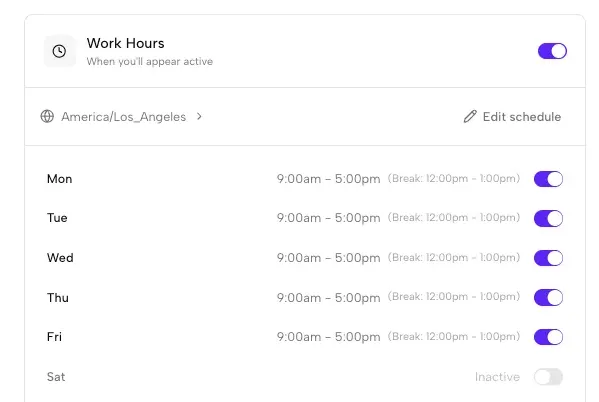
Set the days and hours you want to appear active. We handle time zones automatically.
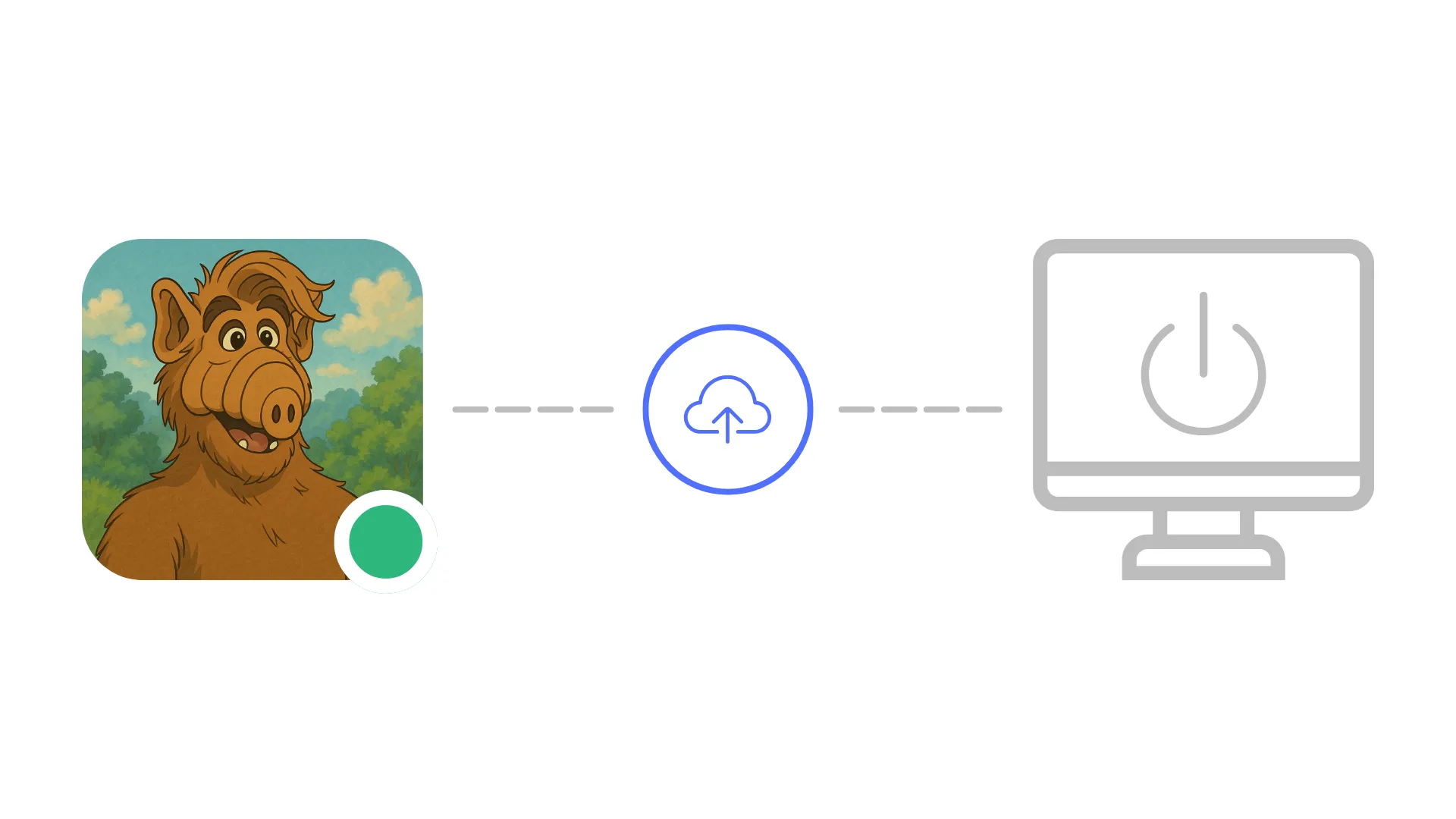
Close your laptop or lose internet. Idle Pilot keeps your status green during your scheduled hours.
7-day free trial. No card. Stay green during your scheduled hours.
Each guide links back here for scheduling
Screen-lock fixes without breaking security rules.
Read guideSolutions when you can't install software on your work laptop.
Read guideWhy Slack flips you away and how to stop it.
Read guideUnderstand the timing and what resets the timer.
Read guideQuick answers before you connect
Yes. Idle Pilot keeps your Slack presence active from the cloud during the schedule you choose, so your green dot does not depend on constant typing, mouse movement, or keeping Slack in front of you.
Yes. Local Slack clients disconnect when your laptop sleeps, but Idle Pilot maintains your Slack session from remote servers. It can keep you active during chosen work hours whether your laptop is open, asleep, closed, offline, or powered off.
Yes. Mouse jigglers and scripts create activity on your device, which can be visible to endpoint security tools or IT policies. Idle Pilot does not install hardware, run a local app, or generate fake input on your computer.
Idle Pilot does not install a workspace bot, require admin approval, or run software on your company device. As with any Slack account activity, your company may still have policy rules about tools and availability, so use it within your own risk tolerance.
You can pause or change your schedule at any time from the Idle Pilot dashboard, and sign out instantly. Changes take effect immediately, giving you full control over when you appear active.
Last updated: March 2026
Connect once, set your hours, and stop worrying about the green dot.