
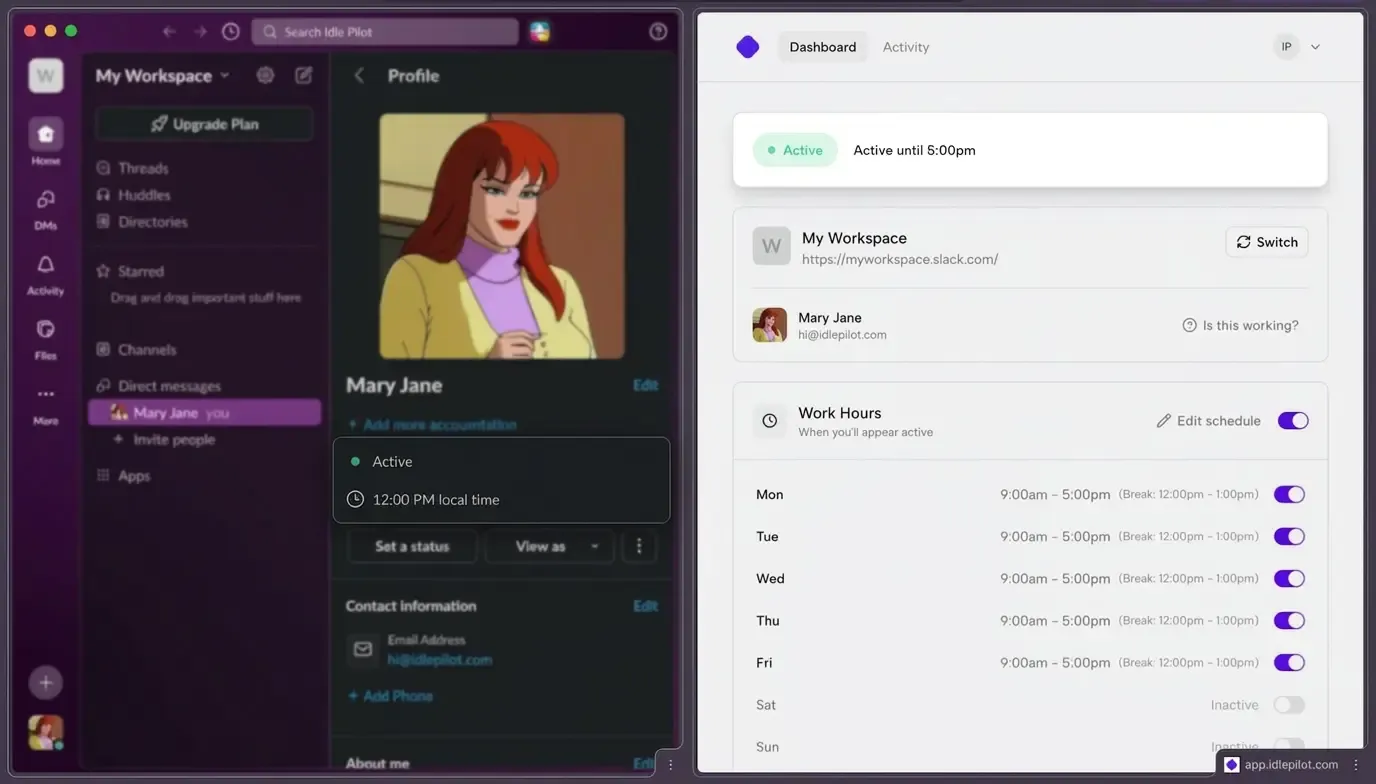
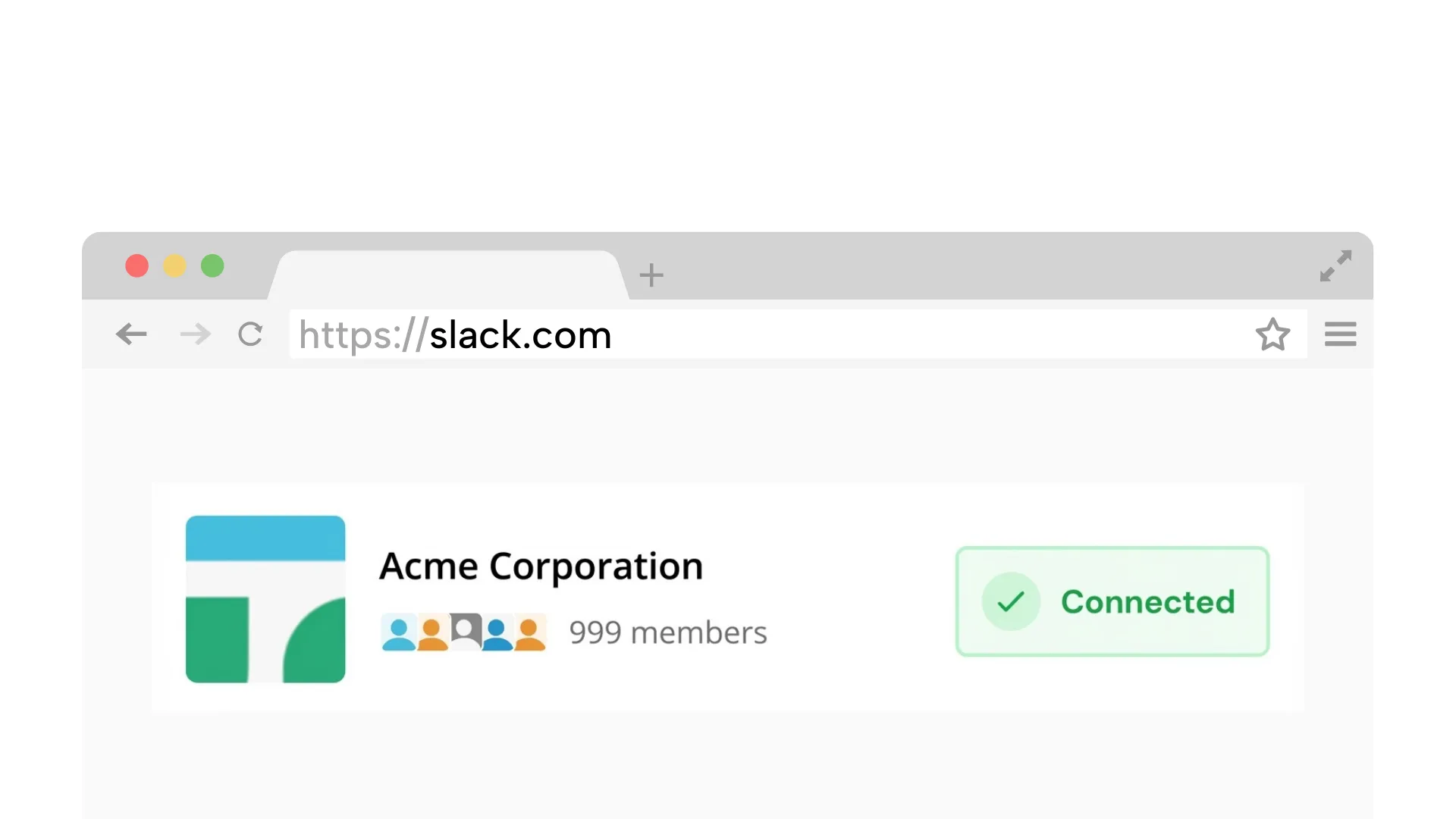
Requires a desktop browser to connect Slack once.
1. Connect your Slack workspace
Securely link your workspace. We simulate a browser connection, so you do not need to install any apps or bots.
On Chrome? 1-click connection (optional)
Schedule your availability windows and keep your status consistent during work hours.
No bots | No admin approval | Presence only
Schedule it once. Turn it off anytime.
Automation-ready
Schedule-based automation that keeps control with you
Schedule your availability without installing a workspace bot.
Connect with your own account. Nothing to install for your team.
Your status stays consistent even when your laptop sleeps.
No message access. Just keep your status aligned with your schedule.
Keep availability consistent across focus blocks, meetings, and time zones
Stay active during deep work without constant device activity.
Keep your status aligned with your planned meeting blocks.
Set clear reachability windows across time zones.
Here's how to automate your Slack status without bots or scripts:
Takes about 2 minutes on desktop
Securely link your workspace. We simulate a browser connection, so you do not need to install any apps or bots.
On Chrome? 1-click connection (optional)
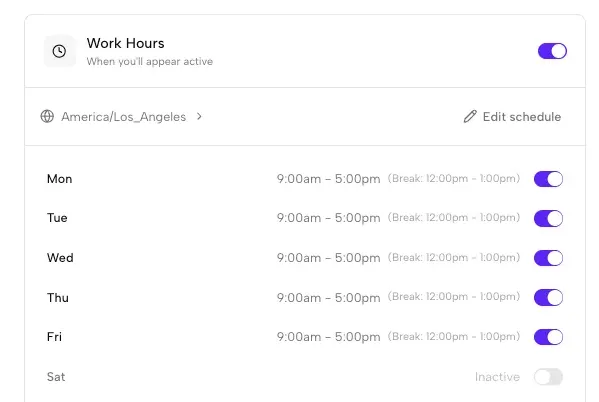
Set the days and hours you want to appear active. We handle time zones automatically.
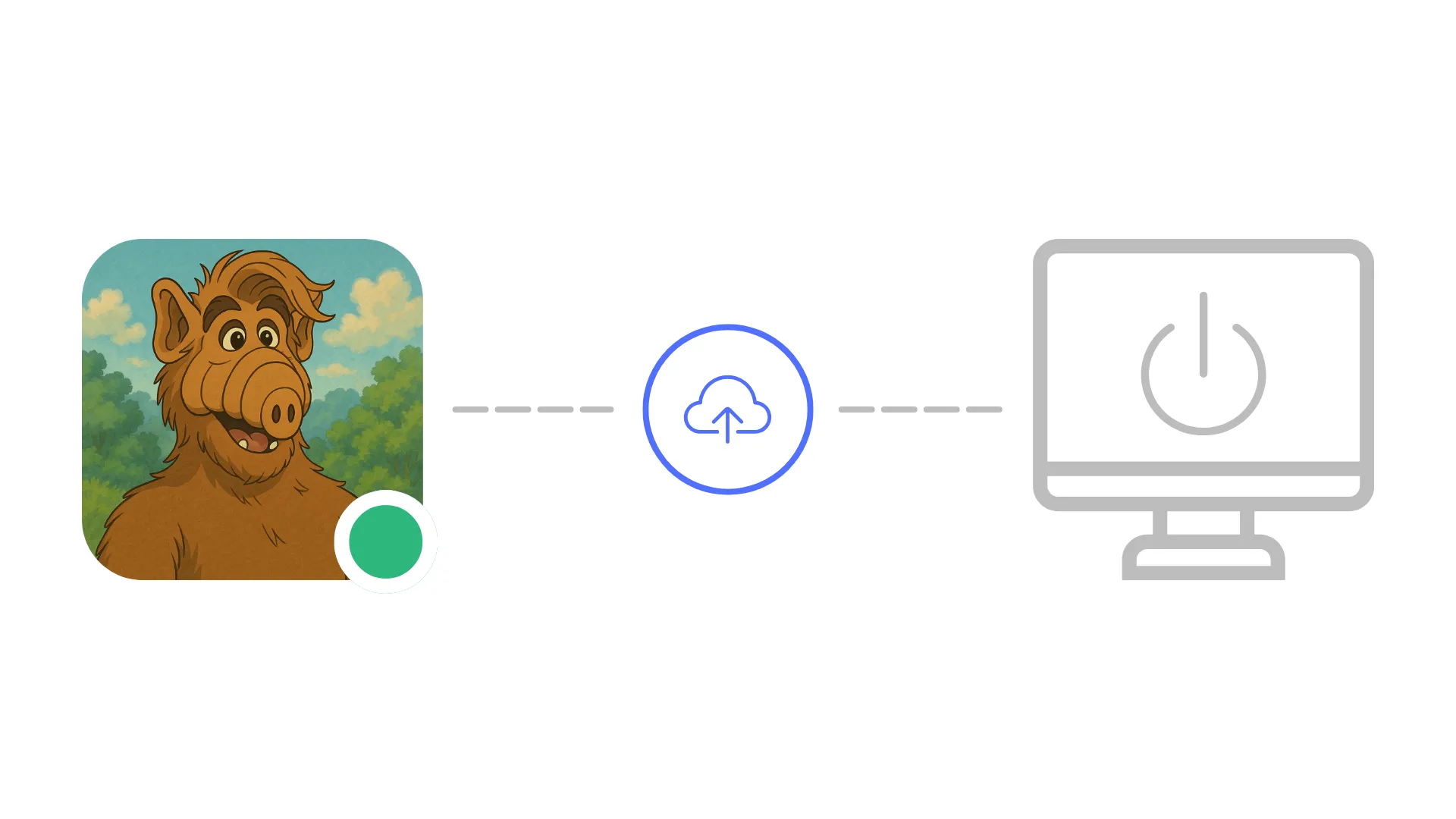
Idle Pilot keeps your status active during your automation windows.
Schedule it once. Turn it off anytime.
Stay consistent without bots, scripts, or device hacks
Often require admin approval and can be restricted by workspace policy.
Depend on a powered-on device and break when your laptop sleeps.
Keeps your status aligned with planned hours, even when devices are offline.
Each guide links back here for scheduling
Safe options for desktop users who need consistent presence.
Read guideSolutions when you can't install software on your work laptop.
Read guideStay green in any time zone without manually updating.
Read guideCompare cloud scheduling with Slack app alternatives.
Read guideQuick answers before you connect
Yes. Idle Pilot automates your Slack status using your own web session, so there is no workspace bot to install and no admin approval needed. You connect once from a desktop browser, set your work hours, and the automation runs from the cloud. Your custom status text stays untouched.
Slack status automation through Idle Pilot uses your own Slack web session, similar to keeping a browser tab open. Since nothing is installed in the workspace, there is nothing for admins to approve or manage. You should still follow your workspace policies and Slack terms of service.
No. Idle Pilot only maintains your presence indicator (the green dot). It does not modify your custom status text, emoji, or expiration. You keep full control of what your status message says while the automation handles availability.
Yes. The schedule is tied to your chosen time zone and adjusts automatically for daylight saving changes. This is especially useful for distributed teams where members need clear reachability windows during their local work hours.
Yes. You can pause, adjust, or turn off your schedule at any time from the Idle Pilot dashboard. Changes take effect immediately, so you are never locked into a schedule that does not match your current availability.
Last updated: March 2026
Set your schedule once and keep your presence consistent.