
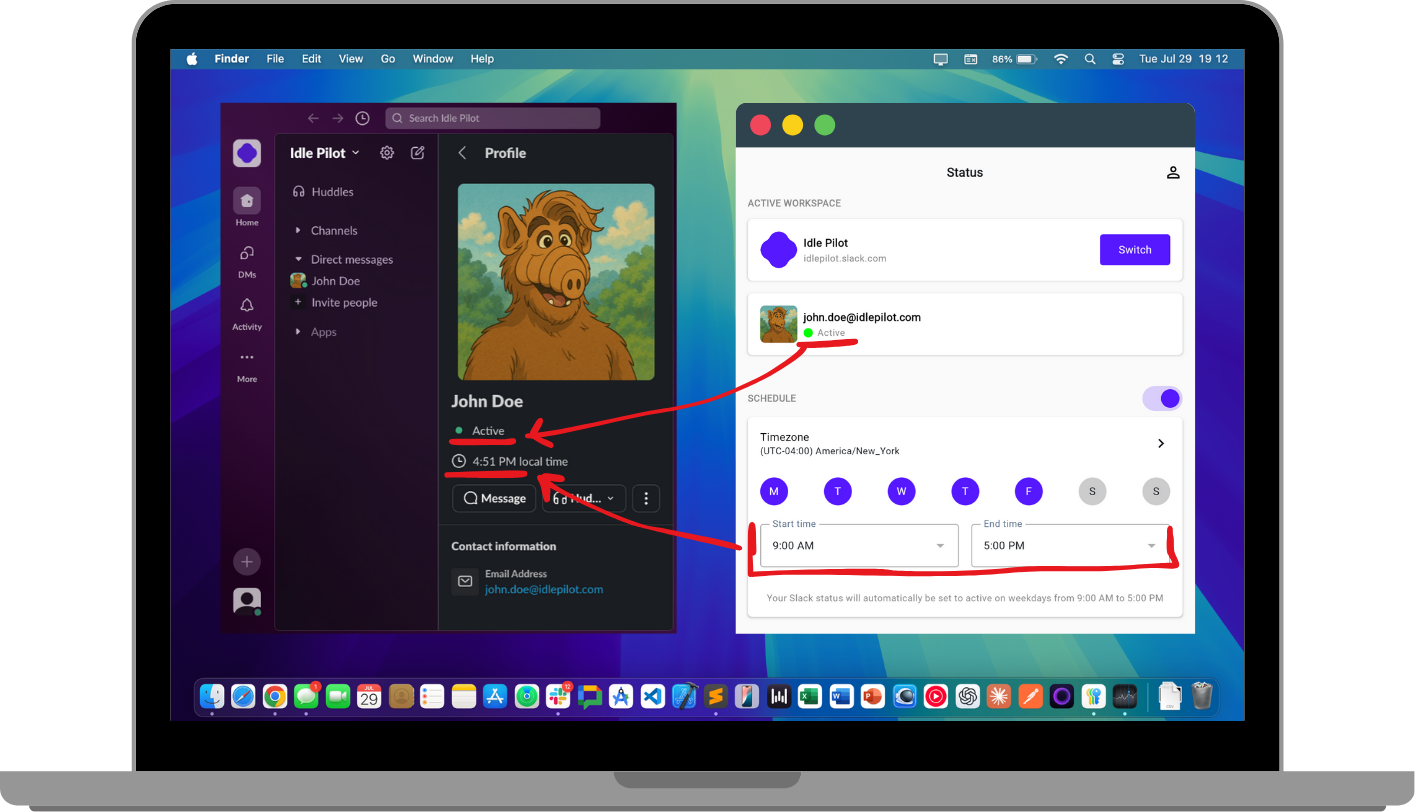
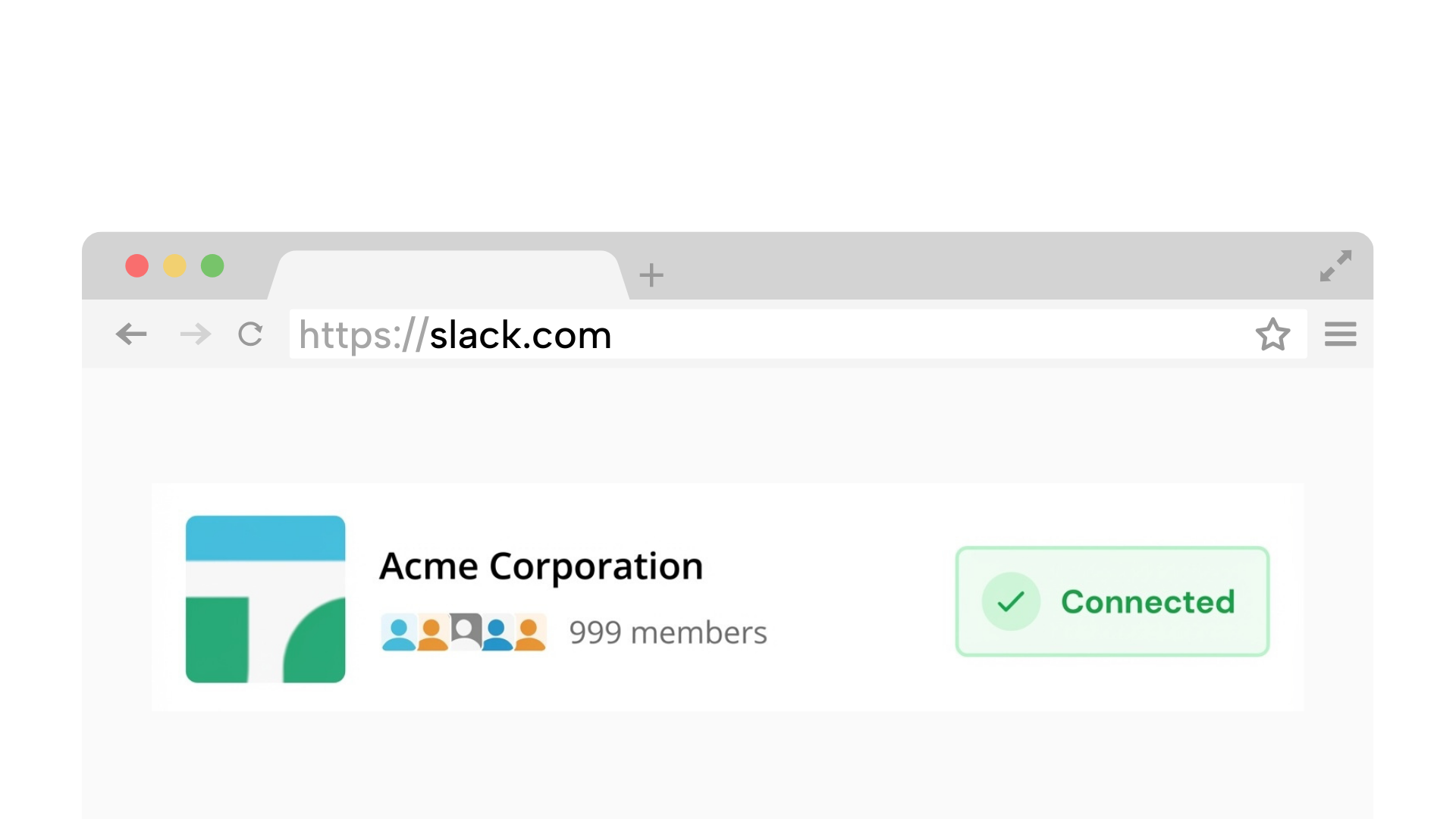
Requires a desktop browser to connect Slack once.
1. Connect your Slack workspace
Securely link your workspace. We simulate a browser connection, so you do not need to install any apps or bots.
On Chrome? 1-click connection (optional)
Compare your options and choose a schedule-based approach without device hacks.
No admin approval | Presence only | No desktop app
No hardware. No admin approval.
Trust signals
Schedule-based presence keeps you active without risky workarounds
Cloud scheduling keeps presence consistent without local workarounds.
Connect with your own account. No workspace bot required.
Keeps your status active even if devices sleep.
No message access. Just reliable availability signals.
Compare device hacks, bots, and schedule-based options
Require hardware or scripts, can conflict with IT policies.
Often need admin approval and add extra integrations to manage.
Works even when devices are offline and keeps schedules explicit.
Takes about 2 minutes on desktop
Securely link your workspace. We simulate a browser connection, so you do not need to install any apps or bots.
On Chrome? 1-click connection (optional)
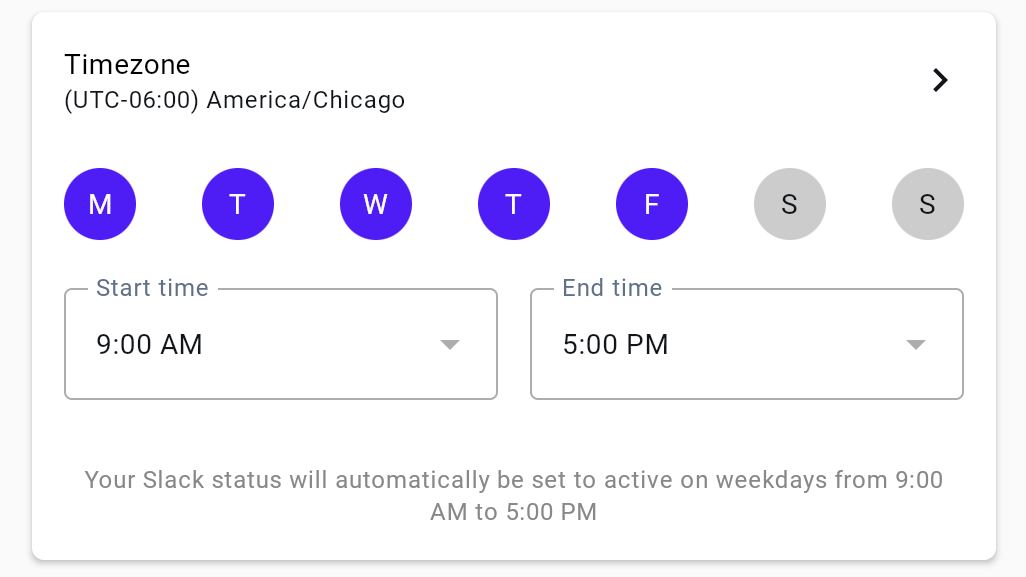
Set the days and hours you want to appear active. We handle time zones automatically.
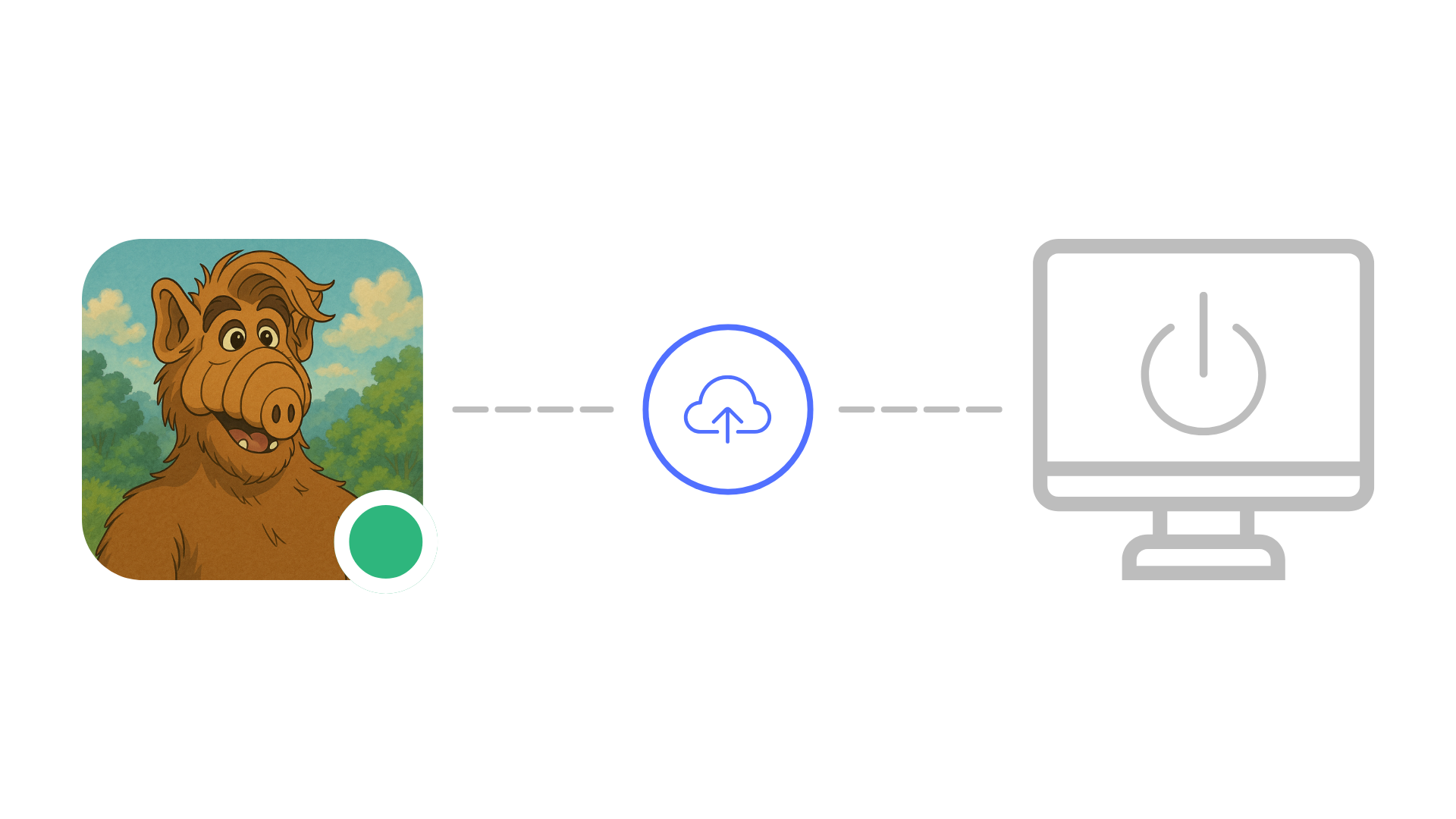
Idle Pilot keeps your status consistent while devices are offline.
No hardware. No admin approval.
Each guide links back here for scheduling
A full overview of schedule-based Slack presence.
Read guide
A comparison of safe options and trade-offs.
Read guideHow to pick the most reliable scheduler for distributed teams.
Read guide
Compare cloud scheduling with device hacks.
Read guide
Safer approaches to staying active on Slack.
Read guide
Compare automation paths and policy risk.
Read guideQuick answers before you connect
They use your own Slack session. Follow workspace policy and Slack terms.
Schedule-based presence avoids device hacks and keeps availability consistent.
Most bots require admin approval or workspace installs.
Yes. A cloud worker maintains presence even when devices sleep.
Pick the option that is reliable, policy-friendly, and easy to control.
Connect once, set your hours, and stop worrying about device hacks.